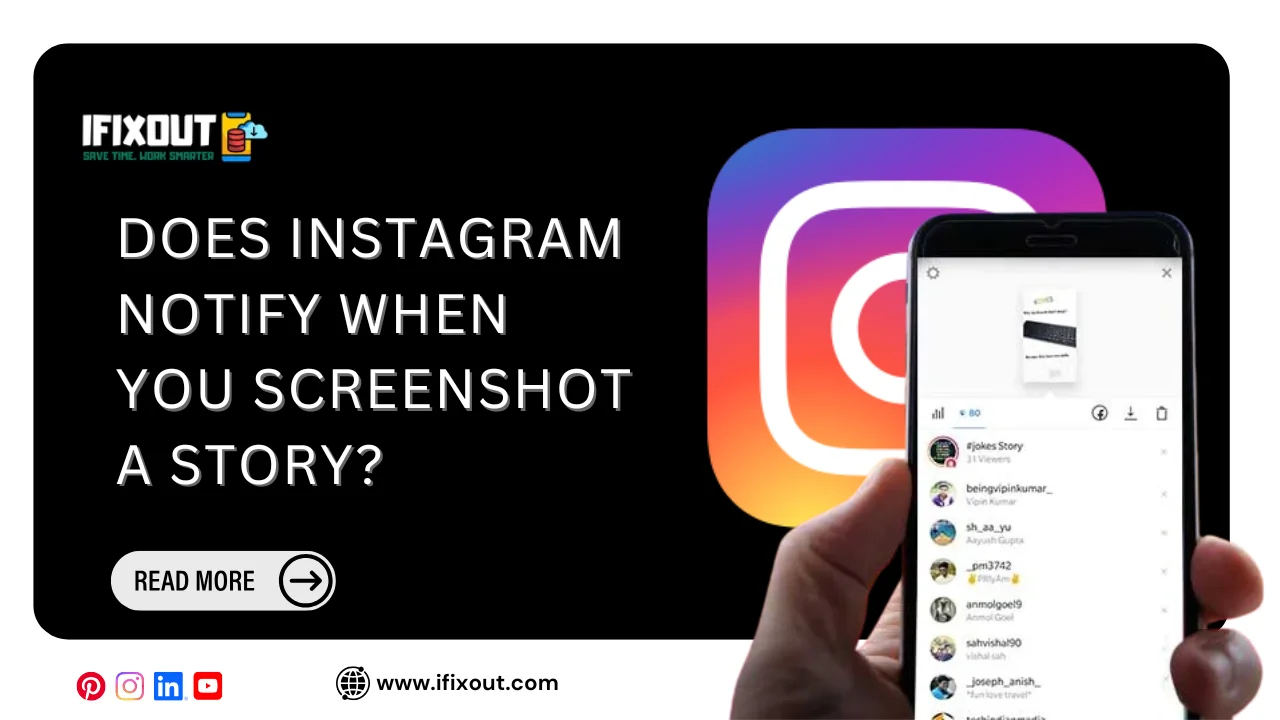
If you’ve ever quietly tapped that screenshot button while scrolling through someone’s Instagram Story, a nagging thought probably crossed your mind right after: does Instagram notify when you screenshot a story? It’s one of those questions that pops up in almost everyone’s head at some point, especially if you’re trying to save a funny moment, a cute selfie, or maybe even some Story tea you don’t want to forget. The good news is that the answer isn’t as scary as you might think, but there are some important nuances worth understanding before you go screenshot-happy.
Let’s break down exactly how Instagram’s notification system works, when it actually alerts people, and what you should know to avoid any awkward surprises.
The Short Answer: It Depends on the Content Type
Instagram’s screenshot notification policy isn’t a single blanket rule. It varies depending on what type of content you’re interacting with. For regular Stories, meaning the photos and videos someone posts publicly or to their followers, Instagram does not notify when you screenshot a story. You can screenshot as many Stories as you like without the poster ever knowing.
However, things change when you’re dealing with disappearing photos or videos sent through Instagram Direct Messages. If someone sends you a photo or video set to disappear after viewing, and you take a screenshot of it, Instagram will notify that person immediately. This is a completely different feature from Stories, but people often mix the two up, which is exactly why this question keeps coming up so often.
So to put it plainly: does Instagram notify when you screenshot a story? No, not for standard Stories. Yes, for vanishing DM content. Keep that distinction in your back pocket because it matters a lot.
Why the Confusion Exists in the First Place
A lot of the confusion stems from how other platforms handle screenshots. Snapchat, for example, built its entire reputation around notifying users when their content gets screenshotted, since the app was originally designed around temporary, disappearing messages. Because Instagram borrowed the Stories format from Snapchat years ago, many users assumed the notification behavior carried over too. It didn’t, at least not for the main Stories feature.
Instagram has quietly tested screenshot notifications in the past for certain features, which only added more fuel to the confusion. Some users reported seeing notifications in specific test groups, while others never experienced anything of the sort. This kind of inconsistent testing across different user groups is common for large apps, but it left plenty of people genuinely unsure whether Instagram notify when you screenshot a story or not.
What About Instagram Story Highlights?
Highlights are simply Stories that have been saved to a profile permanently instead of disappearing after 24 hours. Since Highlights are built from the same Story content, the same rule applies here too. Screenshotting a Highlight does not trigger any notification to the account owner. You’re free to save, revisit, and screenshot Highlights without worrying about anyone finding out.
This is particularly useful for people who want to keep a copy of tutorials, recipes, workout routines, or travel itineraries that someone has neatly organized in their Highlights. Since these often serve as a kind of visual reference guide, screenshotting them is extremely common and completely safe from a notification standpoint.
Screenshotting Instagram Story Replies and Reactions
Here’s where it gets a little more layered. If someone replies to your Story using a text message or an emoji reaction, that reply lands in your Direct Messages inbox. Once it’s in your DMs, it behaves like a regular message rather than a Story. If that particular message includes disappearing media, screenshotting it could trigger a notification, depending on the settings involved.
But if it’s simply a text reply or emoji reaction to your Story, taking a screenshot of that conversation thread won’t alert the other person. The notification system is tied specifically to vanishing photo and video content, not to text-based exchanges.
Does Instagram Notify When You Screenshot a Story on Close Friends?
Close Friends Stories work identically to regular Stories in terms of privacy mechanics, aside from the restricted audience. Even though you’re viewing content shared with a smaller, hand-picked group of people, screenshotting still doesn’t trigger a notification. Many users assume that because Close Friends content feels more private, Instagram must be watching more closely, but that assumption isn’t accurate. The screenshot rules remain the same regardless of who can see the Story.
Video Recording Instead of Screenshotting
Some users try to get around potential detection by screen recording a Story instead of taking a still screenshot. Since regular Stories don’t trigger notifications for screenshots anyway, screen recording them doesn’t trigger anything either. This applies to both photo and video Stories. Whether you tap the screenshot button or record your screen while a Story plays, the original poster remains completely unaware either way.
Why Instagram Chose Not to Notify for Stories
It’s worth understanding the reasoning behind this design choice. Stories were built as a casual, low-pressure way to share daily moments, unlike more permanent posts that live on a profile grid forever. Instagram likely recognized that adding screenshot notifications to something as frequently used as Stories would create unnecessary anxiety and awkwardness among users. Imagine getting notified every single time a friend, acquaintance, or follower screenshotted your outfit photo or vacation picture. It would probably make people far more hesitant to post Stories at all.
By reserving screenshot notifications specifically for disappearing DM content, Instagram strikes a balance. It protects the intent behind ephemeral, one-time-view messages, which are meant to be seen and then gone, while keeping the more casual Stories experience free of unnecessary alerts.
Practical Situations Where This Knowledge Matters
Understanding whether Instagram notify when you screenshot a story becomes especially relevant in a few everyday scenarios:
When you want to save a friend’s travel photos for later inspiration, you can screenshot freely without worrying about it seeming intrusive or awkward.
When a business or influencer shares a limited-time discount code in their Story, screenshotting it to save for later is completely discreet.
When you’re trying to document something for personal reasons, like a receipt or important announcement someone shared temporarily, you won’t accidentally alert them.
When you receive a private, disappearing photo through Direct Messages, that’s the one scenario where you genuinely need to be cautious, since a notification will be sent instantly.
Does Instagram Notify When You Screenshot a Story From a Business Account?
No, business accounts follow the exact same rules as personal accounts. Instagram doesn’t differentiate its screenshot notification policy based on account type. Whether you’re screenshotting a small local bakery’s promotional Story or a massive brand’s product launch announcement, the same privacy mechanics apply across the board.
What About Third-Party Apps and Instagram Web?
Using Instagram through a web browser or third-party apps doesn’t change the underlying notification behavior either. The core screenshot detection technology, which only applies to disappearing DM media, is built into Instagram’s infrastructure regardless of the device or platform you’re using. So whether you’re on a phone, tablet, or browsing through a desktop browser, Stories remain screenshot-notification-free.
Tips for Respectful Screenshotting
Even though Instagram doesn’t notify when you screenshot a story, that doesn’t necessarily mean you should screenshot everything without a second thought. Being mindful of context still matters. If someone shares something sensitive or personal in their Story, even without a notification system in place, it’s courteous to ask before redistributing that screenshot elsewhere, especially publicly.
Respecting boundaries around private information goes beyond what any app’s technical features allow. Just because you can screenshot something silently doesn’t always mean you should share it without permission.
Final Thoughts
So, does Instagram notify when you screenshot a story? For the vast majority of everyday use, the answer is a clear no. Regular Stories, Highlights, and Close Friends content can all be screenshotted freely without alerting the original poster. The only real exception involves disappearing photos and videos sent through Direct Messages, where Instagram does send an instant notification the moment a screenshot is taken.
Knowing this distinction helps you use the app more confidently, whether you’re saving memories, collecting inspiration, or simply capturing something interesting before it disappears after 24 hours. Just remember to stay considerate about how you use and share what you screenshot, since good judgment always matters more than any notification setting ever could.